How to Fix GTA 6 Weather Bug on PS5
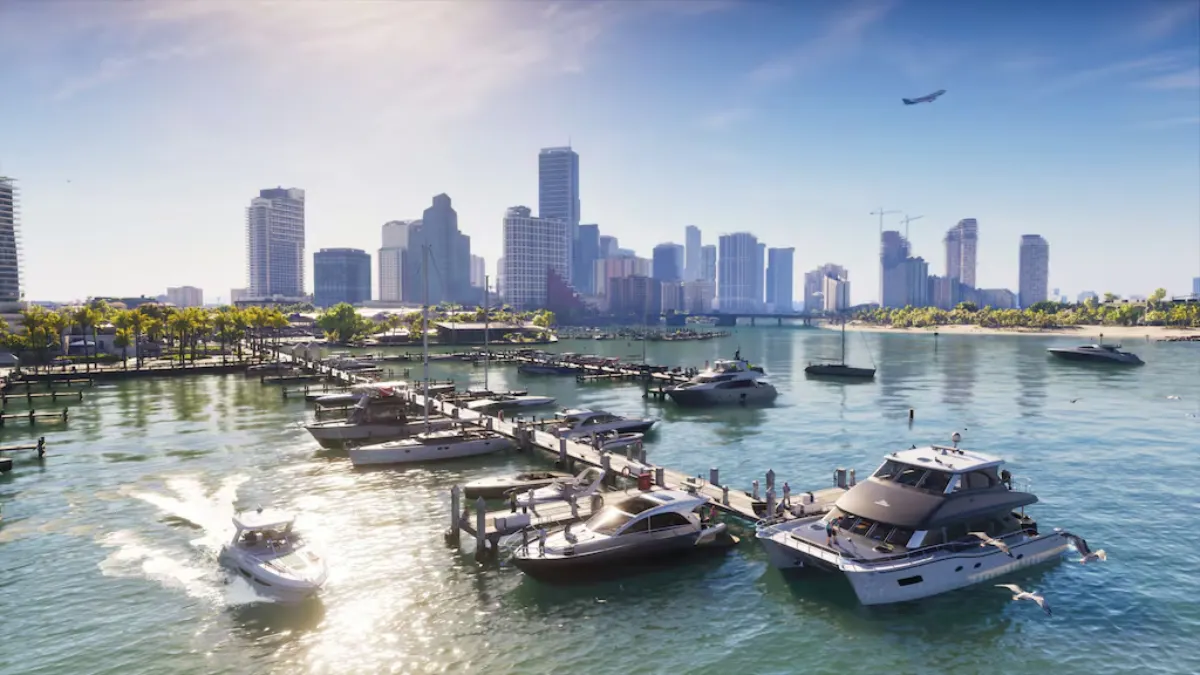
If you have been playing GTA 6 on PS5, and you notice that the weather is not changing at all, it could be because you are facing the GTA 6 weather bug. The bug is already known to Rockstar and the previous update was supposed to fix it; however, it seems like it still happens now and then. This guide covers every step on how to fix the GTA 6 weather bug, and it will also explain how to unlock the hurricanes once the weather works.
What Is the GTA 6 Weather Bug?
During the GTA 6 reveal, when we saw the trailers and the extended look, one thing that stood out was the weather system. However, after release, on PS5 specifically, there is a bug where the weather doesn’t change. Storms are really rare and hurricanes don’t even show up.
Earlier this week Rockstar released an update to fix and tweak the weather changes; however, PS5 players have reported very little difference afterward.
Also Read:
How to Fix the Weather Bug on PS5
Fixing the weather bug for GTA 6 on PS5 is really easy and just takes a few steps:
- Close GTA 6. Don’t just go to the home screen, but completely close the game.
- After you have closed the game, turn off the PS5 completely.
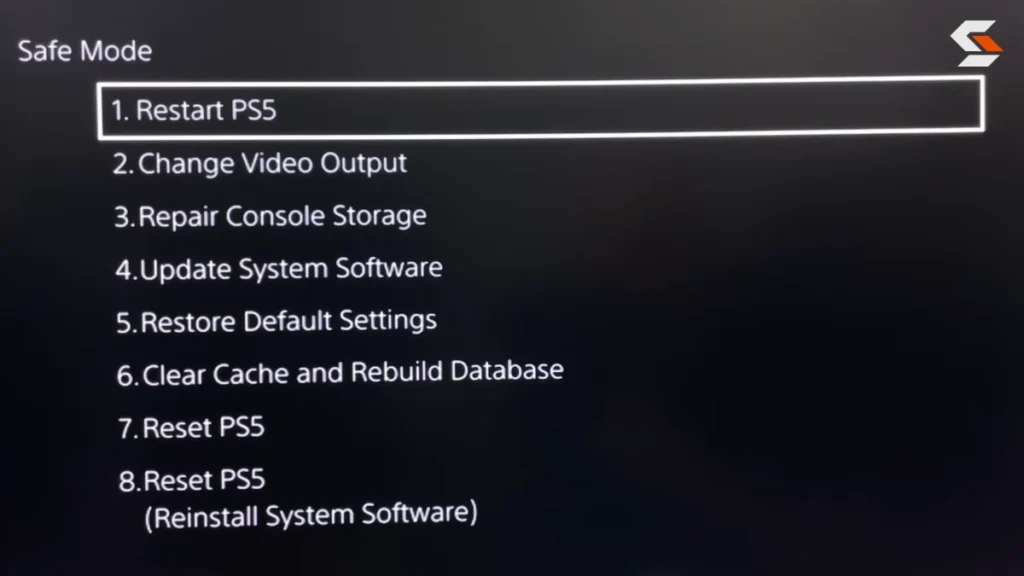
- Once the PS5 is turned off, hold the power button until the console beeps and start in safe mode.
- After this, connect your controller using a USB cable.
- Now, choose the “Clear System Cache” option.
- The console restarts when it is done.
- Start GTA 6 again. Play for a while and watch the sky.
Your console and game updates stay as they are. This only refreshes the console, so the latest update can work properly.
After clearing the cache and playing for a few hours, the weather did feel more dynamic. It changed more often, so I can assure you that this fix will work if you have already updated the game to the latest version.
How to Unlock Hurricanes in GTA 6
Fixing the weather bug will let your game go through different weather; however, hurricanes are not unlocked by default in GTA 6. You will need to unlock hurricanes through a side mission.
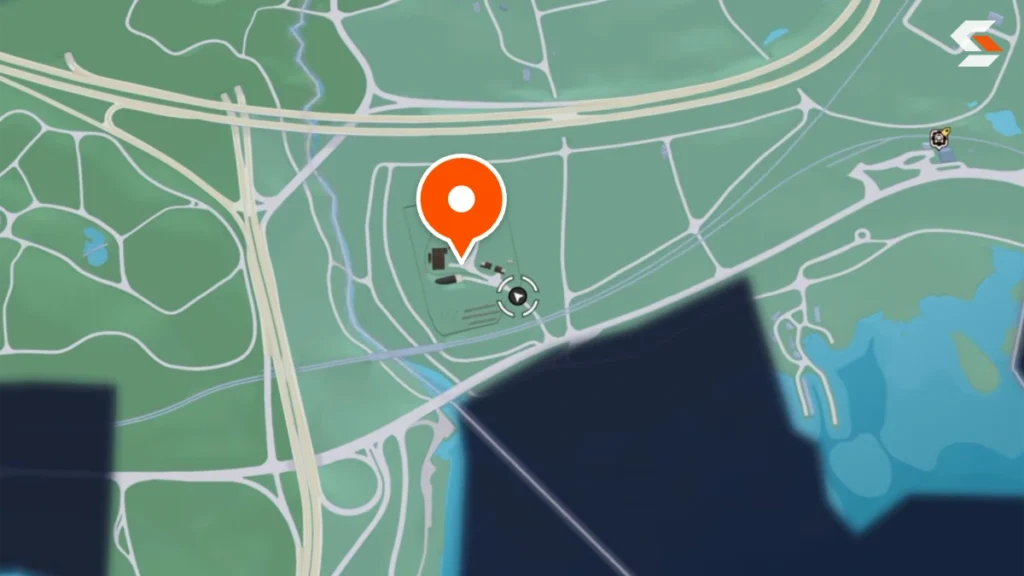
- Go to Lake Leonida. It is in Leonard County, in the north.
- Just past the trailer park is a large, fenced-off area with a bunker in the middle. Automated warnings blare from the speakers when you reach the right place.
- Get over the electric fence. I took a bulldozer from the back of the area and used it as a ramp.
- Avoid the landmines on the ground and destroy the drones that come at you.
- The owner tells you to leave and come back later, because he is going to upgrade his defenses.
- Leave and play for a while. Do some side activities until he texts you that he is ready.
- Return. The easiest way in is to jump from the nearby water tower.
- Talk to him inside. He lets you in, and a hurricane rolls in outside while you chat.
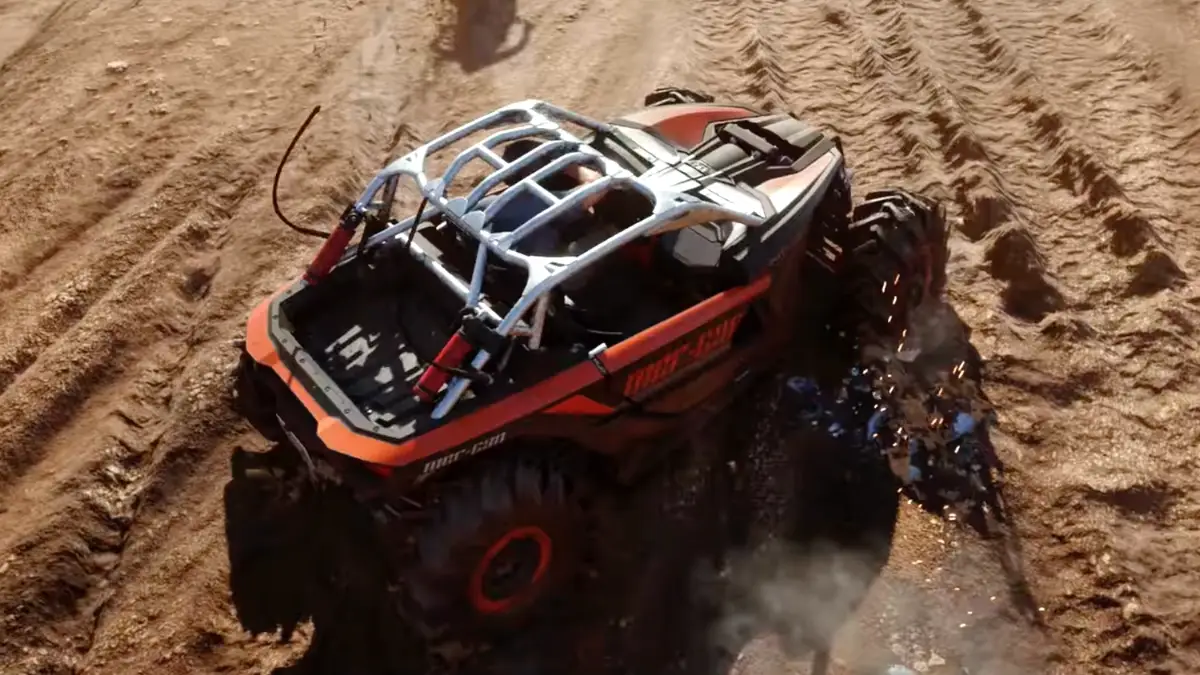
After you leave, hurricanes can happen randomly. I will update this guide if Rockstar releases another weather fix.
Related Posts

About GTA 6
- Released
- Upcoming (November 19, 2026)
- Developer
- Rockstar Games
- Publisher
- Rockstar Games
- Platforms
- PlayStation 5 and Xbox Series X/S
- Genres
- Action-adventure
- Rating
- M (17+)